





How to Turn on a Car in Canadian Simulator on Roblox
If you’re diving into Roblox’s Canadian Simulator, you’ve probably noticed that driving a car is a big part of the experience. But if you’re new to the game, figuring out how to start a car can be a little confusing. Unlike other Roblox games where you simply hop into a car and press the gas, Canadian Simulator adds a bit of realism to the process. Don’t worry, though — this step-by-step guide will walk you through everything you need to know to get your engine running and hit the road like a pro. With just a few simple steps, you’ll be cruising around town in no time!
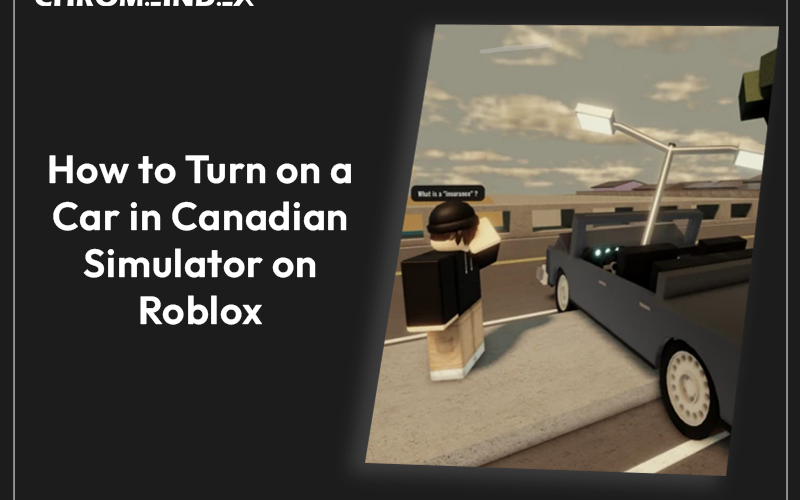
If you’re diving into Roblox’s Canadian Simulator, you’ve probably noticed that driving a car is a big part of the experience. But if you’re new to the game, figuring out how to start a car can be a little confusing. Unlike other Roblox games where you simply hop into a car and press the gas, Canadian Simulator adds a bit of realism to the process. Don’t worry, though—this step-by-step guide will walk you through everything you need to know to get your engine running and hit the road like a pro. With just a few simple steps, you’ll be cruising around town in no time!
Step 1: Find a Car 🚗
Before you can drive, you need to locate a car. This might sound obvious, but in Canadian Simulator, vehicles aren’t always parked neatly for you to grab. Cars can be found parked along streets, in parking lots, or even in front of residential buildings. They might be scattered around the map, so it’s good to stay alert and look around as you walk through the world. Some vehicles may be more accessible than others, so be prepared to explore a bit.
Pro Tip: If you’re struggling to find a car, head toward busy areas like towns or commercial zones where cars are more likely to be parked. Also, keep an eye on other players who may have just left their vehicles unattended—this can be an opportunity for you to hop in and drive off (if game rules allow it).
Step 2: Get Inside the Car 🚦
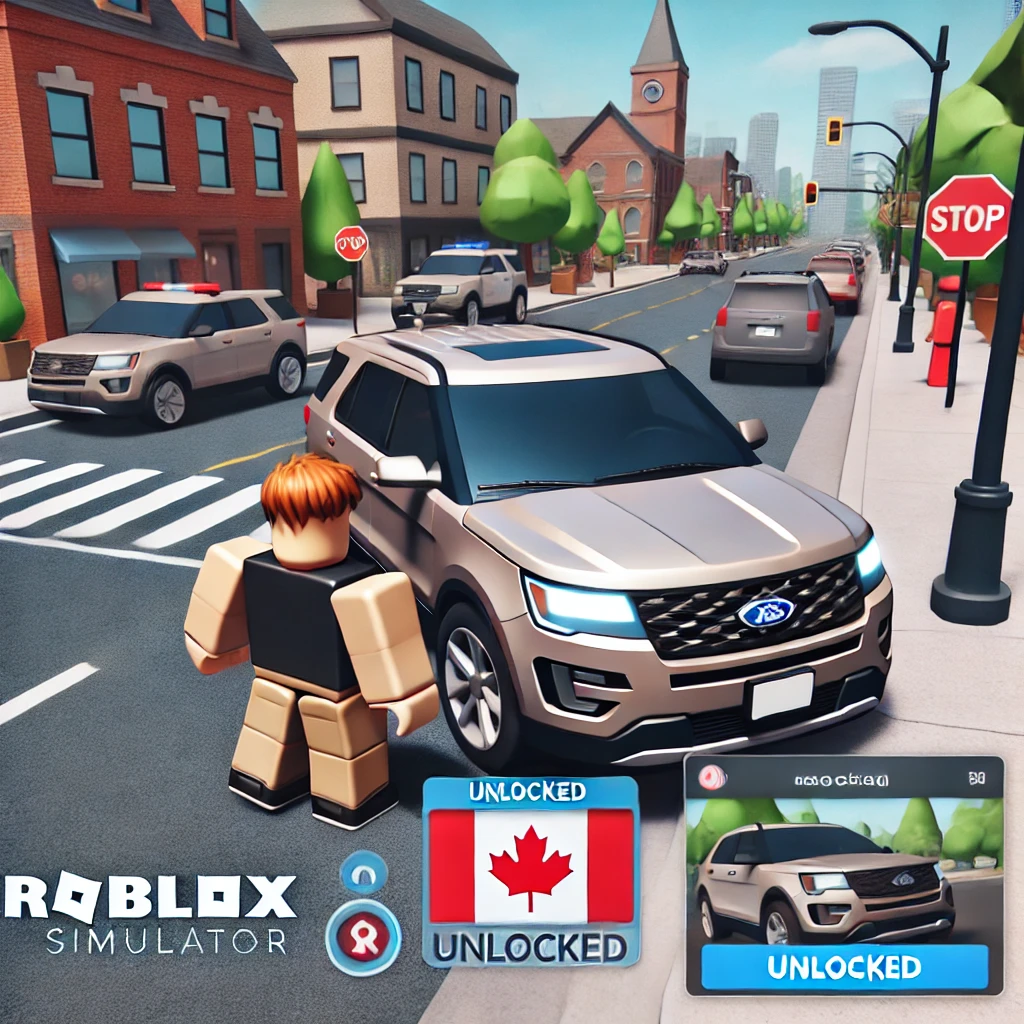
Once you’ve found a car, it’s time to get inside. But unlike some Roblox games where you can just click on the car and start driving, Canadian Simulator has a specific process. To enter the car, you’ll need to press the “Q” key on your keyboard if you’re playing on a PC. If you’re on mobile, there will be a button on the screen to interact with the car. This action allows your character to enter the vehicle and sit in the driver’s seat.
Important Tip: Some cars might be locked, which means you’ll need to search for an unlocked car or wait for another player to leave theirs unattended. If you can’t enter a car after pressing “Q,” it’s possible that the car is restricted or owned by another player.
If you’re using a console (like an Xbox), the control scheme will be slightly different, and the interaction button will be one of the controller buttons. Check the on-screen prompts to see which button you need to press. Once you’re inside, you’ll see your character seated and ready to start driving.
Step 3: Start the Engine (Hotwire the Car) 🔑
Here’s where things get a little more interesting. Unlike other Roblox games where the car starts automatically, the Canadian Simulator introduces a hotwiring system. This mechanic makes the experience feel more realistic, but it also adds an extra step. Here’s how you do it:
- Press “H” to activate the hotwiring system. You’ll see a prompt or interface indicating that hotwiring is in progress.
- Press “V” to complete the hotwiring. This step essentially “unlocks” the car, allowing you to use its engine.
This process might take a moment to complete, so be patient. If you fail to hotwire the car correctly, you may need to try again. For younger players, this step can seem tricky at first, but with a bit of practice, it becomes second nature. This feature is one of the game’s most immersive elements, as it mimics the experience of starting an older car that requires a bit of manual effort.
Pro Tip: If you’re playing on a server with “police” or player-controlled law enforcement, be careful when hotwiring cars. Players acting as police might see you as suspicious and come after you. It’s a fun twist that adds a layer of strategy to the game.
Step 4: Drive the Car 🕹️
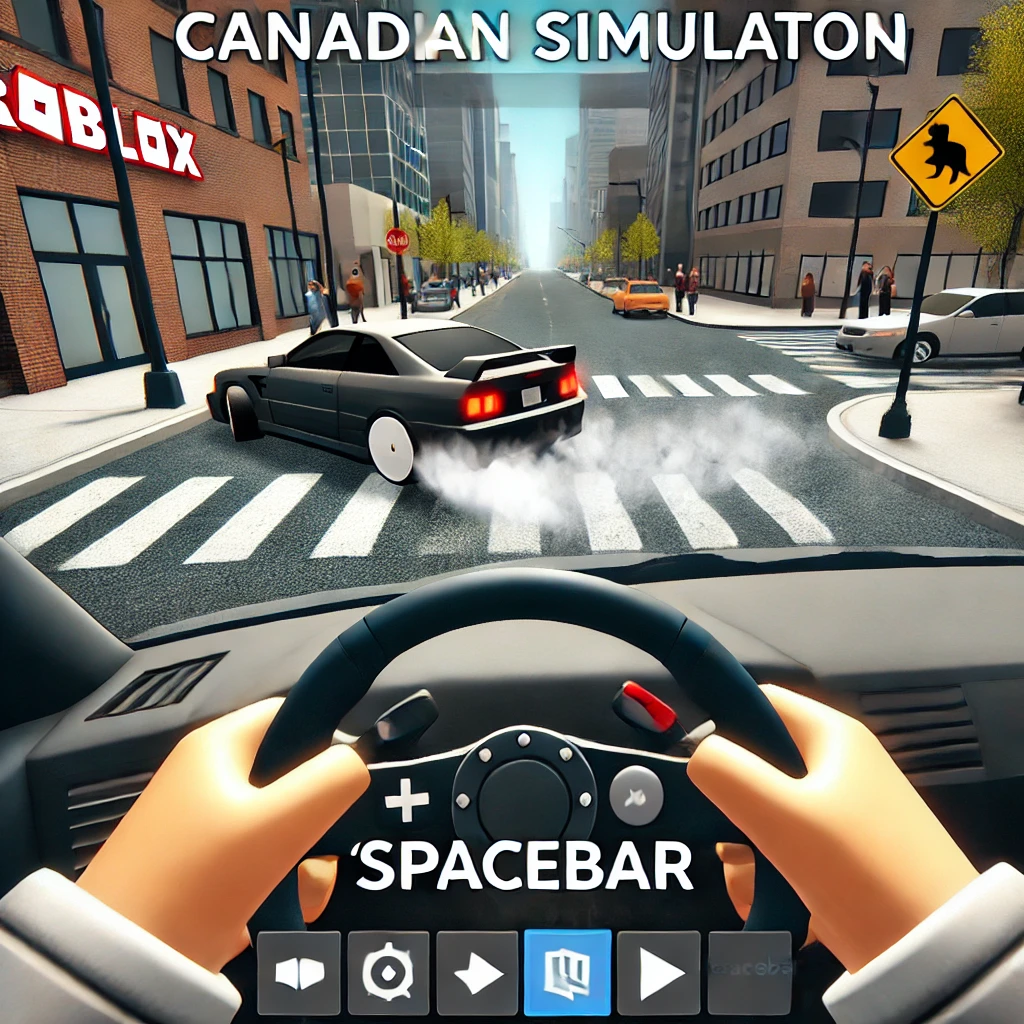
Once the car is up and running, it’s finally time to drive! Driving in Canadian Simulator is a lot of fun, but it’s also a bit more advanced than in other Roblox games. The controls are simple on PC and follow the standard W, A, S, D movement system. Here’s a quick guide on how to control the car:
- W: Accelerate (move forward).
- S: Brake or reverse.
- A/D: Turn left or right.
- Spacebar: Activate the handbrake for quick stops or drifting around corners.
- L: Turn the headlights on or off.
- K: Honk the horn to signal to other players.
If you’re on mobile or console, you’ll see on-screen controls, such as a joystick and action buttons, for steering, accelerating, and braking. These buttons are simple to use, and you’ll get the hang of it quickly. The game’s physics may take a bit of practice, as the cars in the Canadian Simulator feel more “weighty” compared to Roblox’s usual vehicle controls. If you crash or flip your car, you might need to exit and find another one to continue driving.
Pro Tip: Practice driving in low-traffic areas to avoid crashing into other players. As you get more familiar with the physics, you can try high-speed driving and sharp turns. Mastering the handbrake (spacebar) is essential for making tight turns and dodging obstacles.
Bonus Tips for New Players 🛑
- Find a Practice Area: If you’re new to driving in Roblox games, try practicing in areas with less traffic. Look for wide-open spaces where you can practice steering and braking without hitting other cars or objects.
- Watch Out for Other Players: Other players may drive recklessly or intentionally try to crash into you, so always be aware of your surroundings. If you spot someone driving toward you, it’s best to steer clear.
- Use the Handbrake for Tight Turns: The handbrake (spacebar) allows you to drift or make sharp turns. This is useful when navigating tight city streets or dodging obstacles on the road.
Why Driving Matters in Canadian Simulator 🎮
You may be wondering why driving is such a big deal in the Canadian Simulator. It’s not just for fun—driving is essential for progressing in the game. By mastering how to start and control your car, you can complete missions, transport items, and explore the large open-world map more quickly. Certain missions may even require you to use specific vehicles, so being comfortable behind the wheel is a major advantage. Driving also adds an element of roleplay, as you can act as a delivery driver, police officer, or just cruise around as a civilian.
If you enjoy games with a touch of realism, you’ll love the driving experience in the Canadian Simulator. The combination of hotwiring, police chases, and manual driving controls makes it feel more immersive than your typical Roblox game.
This Video Might Help:
Final Thoughts 🔥
Starting a car in Canadian Simulator on Roblox might seem challenging at first, especially if you’re used to simpler games. But once you get the hang of it, the driving experience becomes one of the most enjoyable parts of the game. By following the steps in this guide, you’ll be able to enter, hotwire, and drive a car with ease. Take your time, practice your driving skills, and you’ll be exploring the map like a pro in no time.
If you’re ready to master the driving experience, start practicing now! And for even more Roblox tips and tricks, stay tuned for future guides.